On-demand food ordering and delivery services have hit an all-time high on both the European and US markets during the 2020 pandemic.
MUMU is a food ordering app for a local Chinese restaurant that provides delivery services designed to fit people’s tight schedules.
1.
The challenge
As a result of their busy lifestyle, an increasing number of people lack time to prepare meals for themselves.
Therefore, food delivery services have grown in popularity as they became a convenient solution to this problem.
2.
Problem Statement
How might we develop a solution that would decrease the occurrence of users experiencing delays in food deliveries?
3.
The Solution
Create an app for the local Chinese restaurant that allows customers to place orders ahead of time, making the food delivery process more convenient and suitable to their busy schedules.
MY DESIGN PROCESS
1.
Understanding the User
2.
Starting the Design
3.
Test & Refine
4.
The Result
Phase 1: Understanding the user
User Research
During the discovery phase of my project, I conducted user interviews to develop a deeper understanding of the problem. The research included five participants, each of whom ordered food at least once every two weeks. The study uncovered main user pain points and revealed a key user group: young working adults who rely on food delivery services because they don’t have time to prepare meals in advance.
User Pain Points
Time: Users expressed that most of their orders are not delivered on time. Menu presentation: Menus should include brief descriptions as well as photographs of the food items. Customization: Users want to be able to customize the food to their preferences.
User Persona
Mapping David journey revealed users’ need for a food ordering app that would fulfill their demands better and enhance the overall delivery experience.
David
Age: 27
Occupation: employee
Education: Bachelor of software
Description: David is a college student and a part-time employee who needs to find a restaurant that offers reliable delivery services because he wants to prevent skipping meals.
David User Journey
Mapping David journey revealed users’ need for a food ordering app that would fulfill their demands better and enhance the overall delivery experience.
ACTION
Select a restaurant
Browse food menu
Make and order
Place the order
Wait & receive order
TASK LIST
A. search for the restaurant that makes food deliveries
B. select a restaurant
A. brows online menu
B. select the wanted items
A. add wanted items to care
B. proceed with order
A. provide payment information
B. confirm & check order
A. wait for food to get delivered
B. received order after 30 min delay
FEELING ADJECTIVE
unsureexcited
frustrated
satisfied
relievedhappy
anxiousannoyedhungry
IMPROVMENT UPPORTUNITY
creat a food delivery mobil app
create a detailed online food menu that include descriptions and photographs of each food item
add food customisation feature
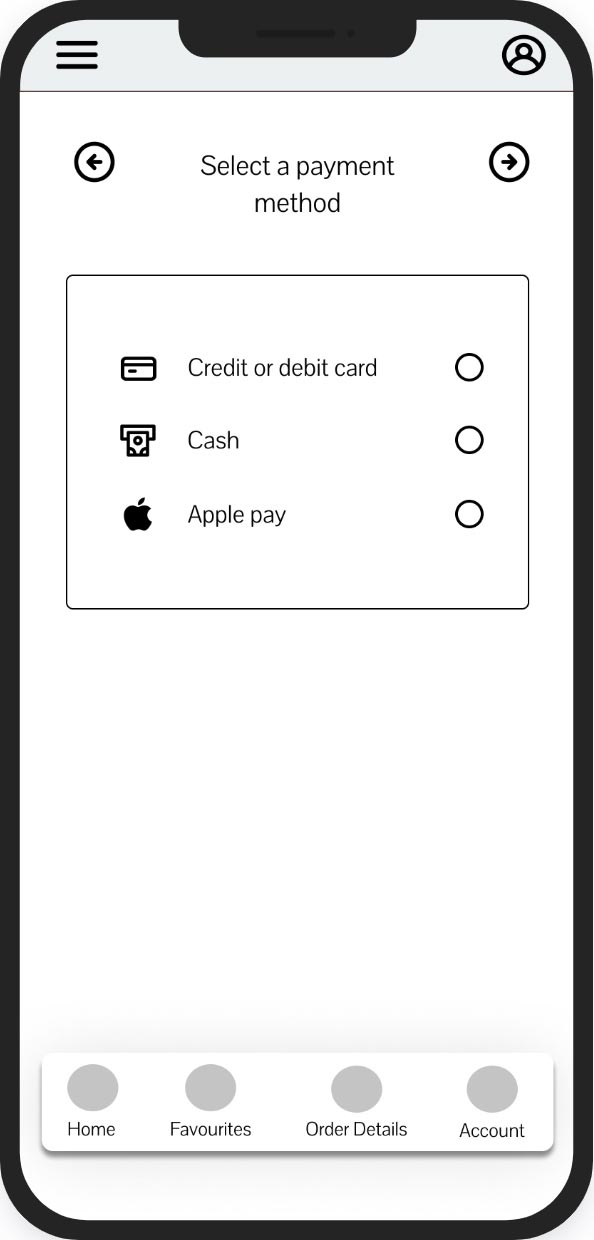
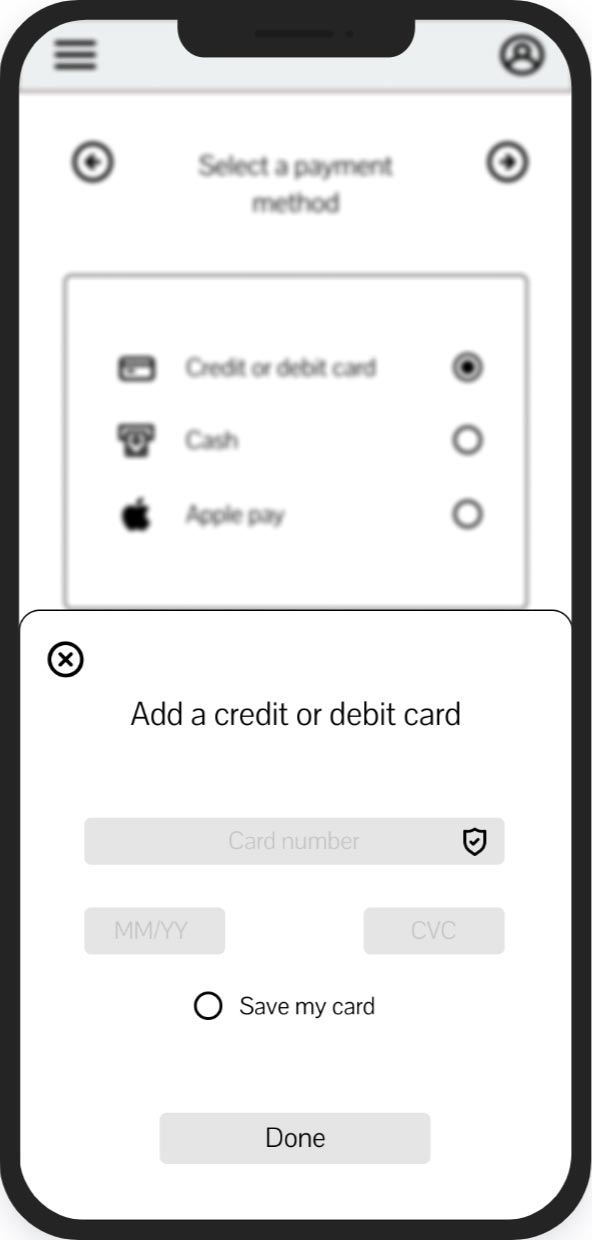
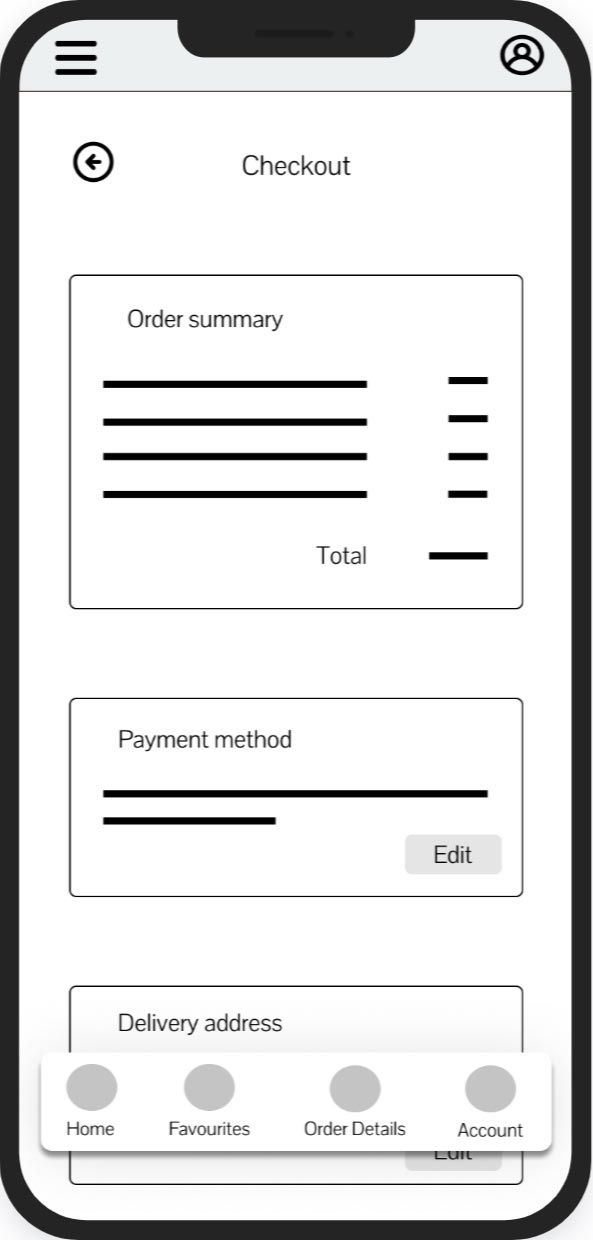
provide deferent payment & options and allow user to doubl check order details befor submitting it
allow customers to place orders ahead of time
Phase 2: Starting the Design
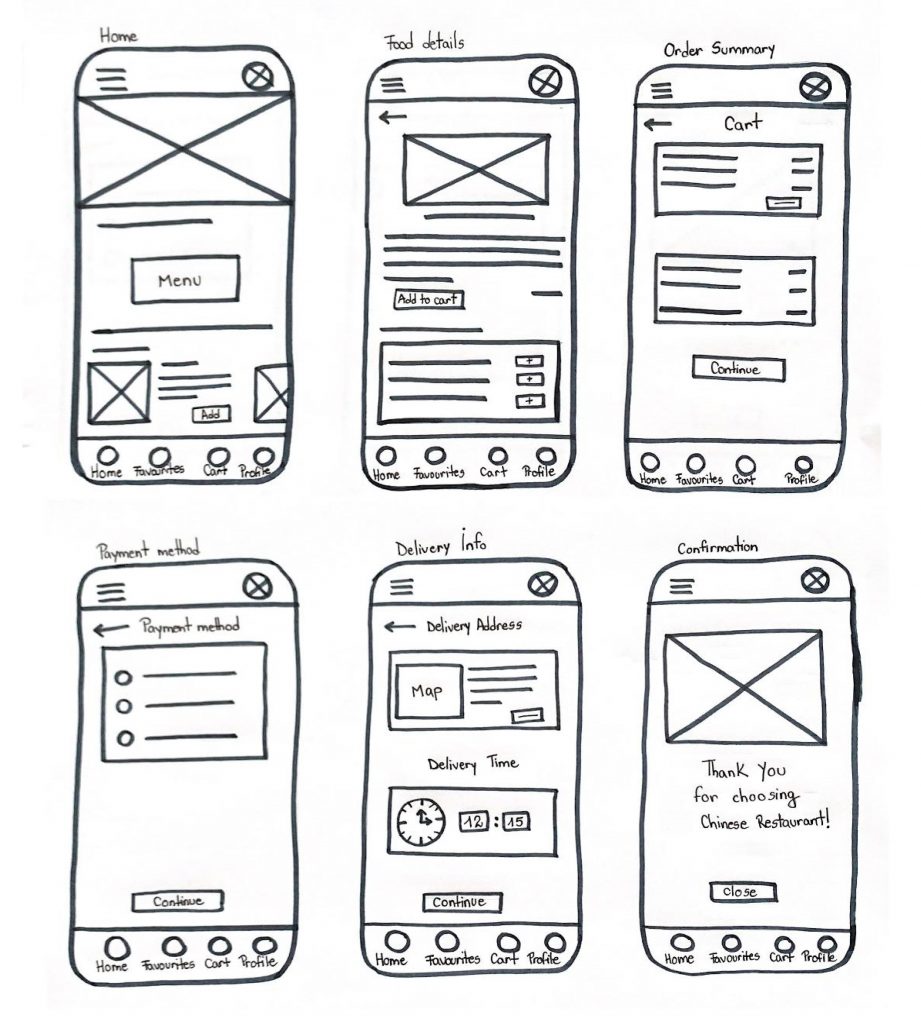
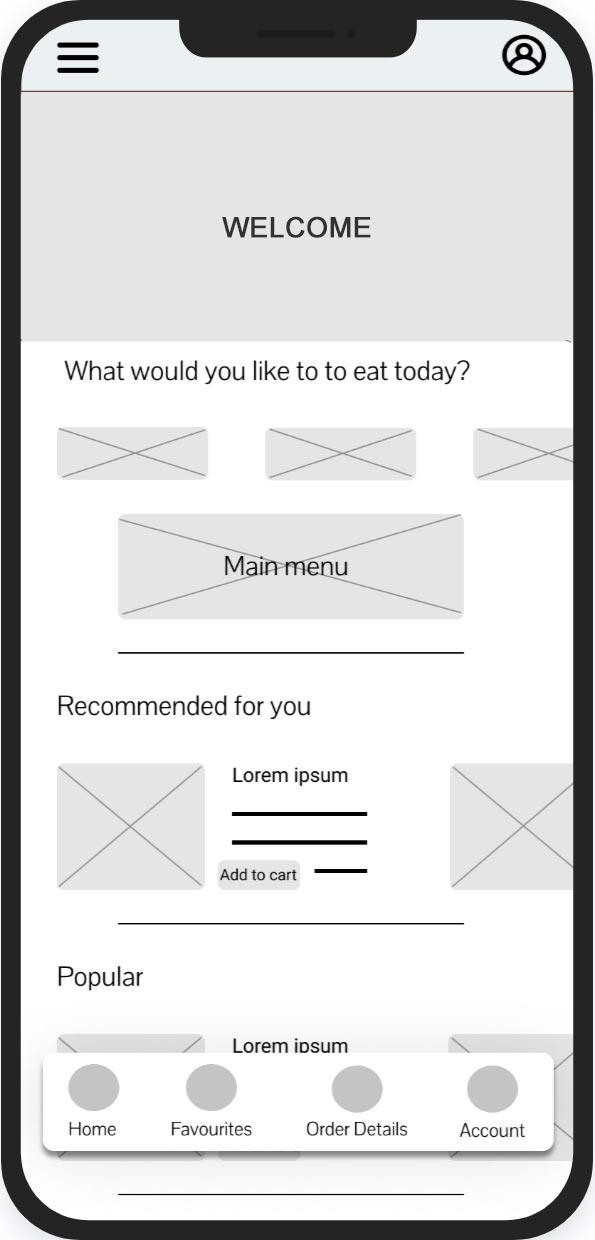
Paper wireframes
During the discovery phase of my project, I conducted user interviews to develop a deeper understanding of the problem. The research included five participants, each of whom ordered food at least once every two weeks. The study uncovered main user pain points and revealed a key user group: young working adults who rely on food delivery services because they don’t have time to prepare meals in advance.
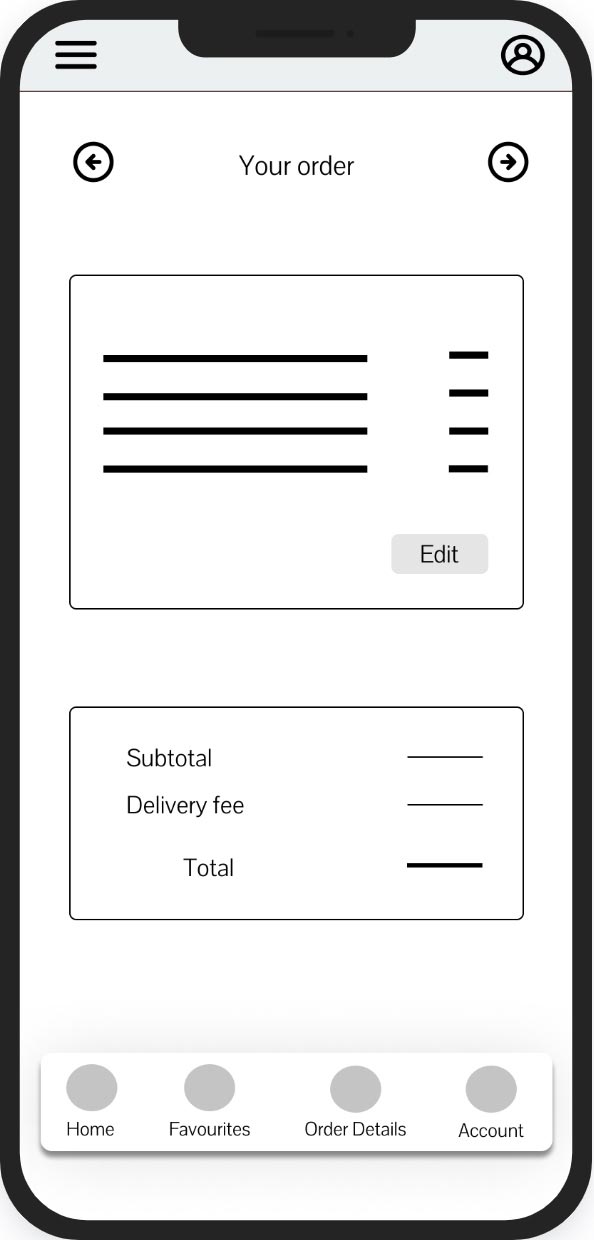
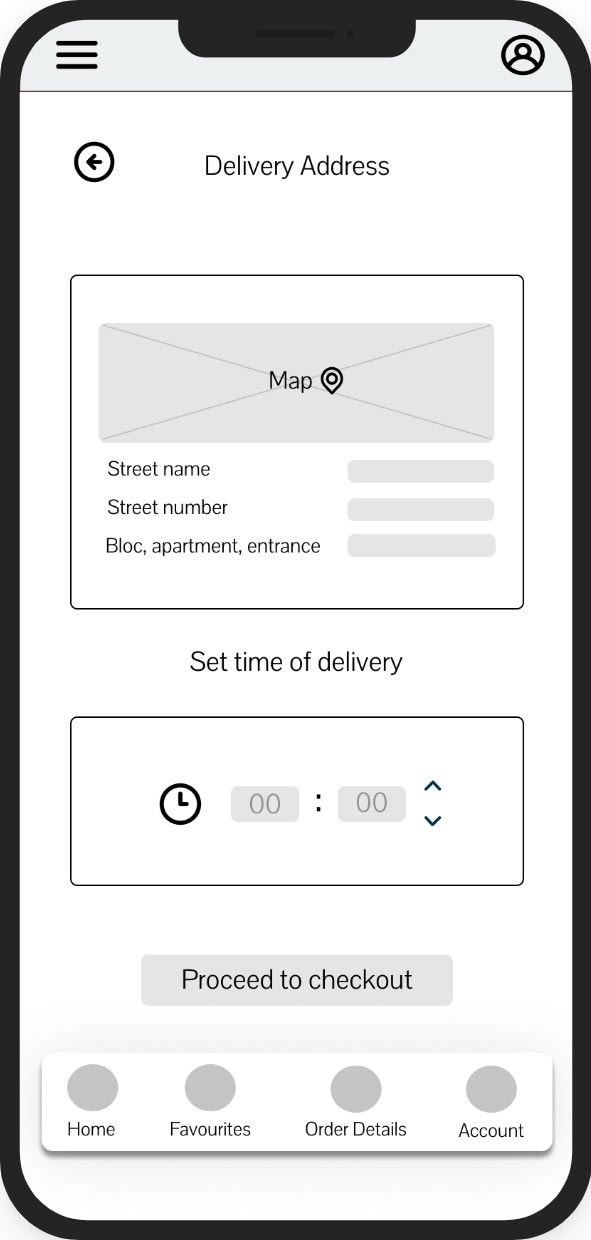
Digital wireframe
Phase 3: Test & Refine
Usability Study Findings: Time
to Iterate!
To discover any usability issues, I tested the product with users.
Based on their feedback, I created an affinity map which helped me organize and group the information by category. Afterward, I made some important changes.
USER FLOW
FOOD DETAILS
FEATURE
EXPECTATION & IDEAS
User could navigate through the app with ease
“I can’t eat spicy food . how can i let them know not to make it spicy?”
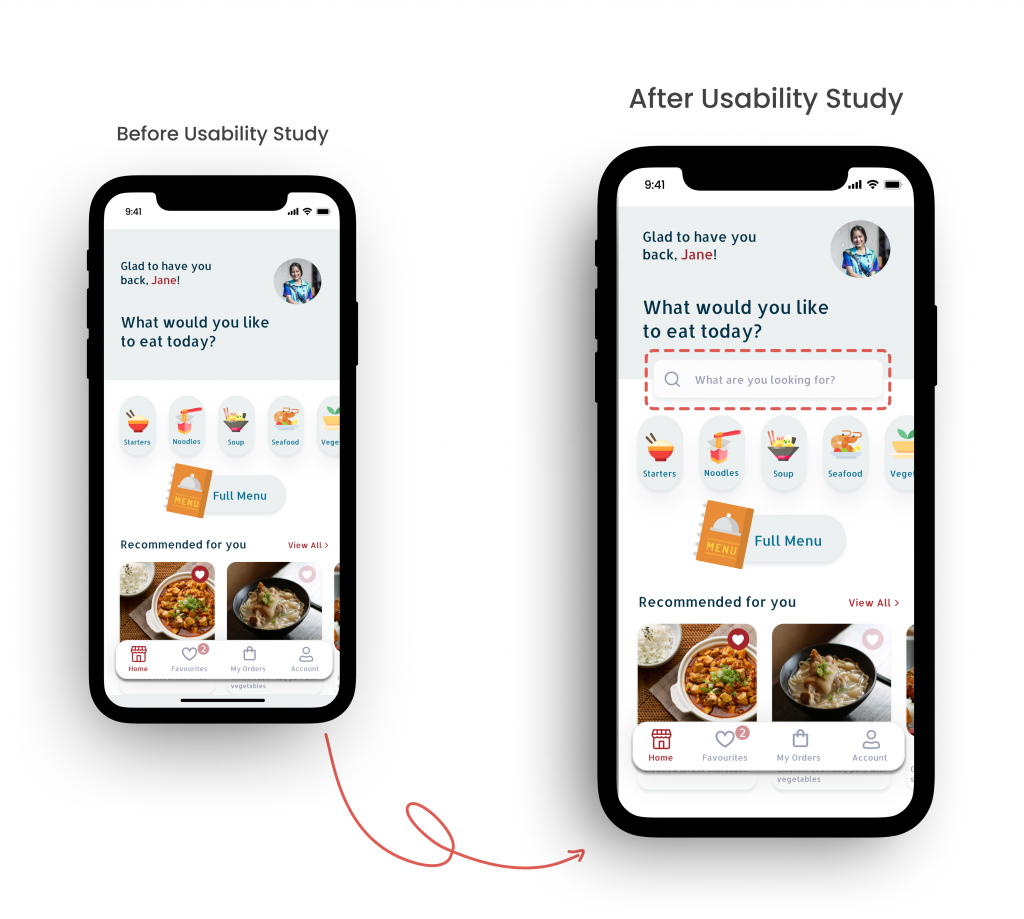
Participants think it’s helpful to have a search feature
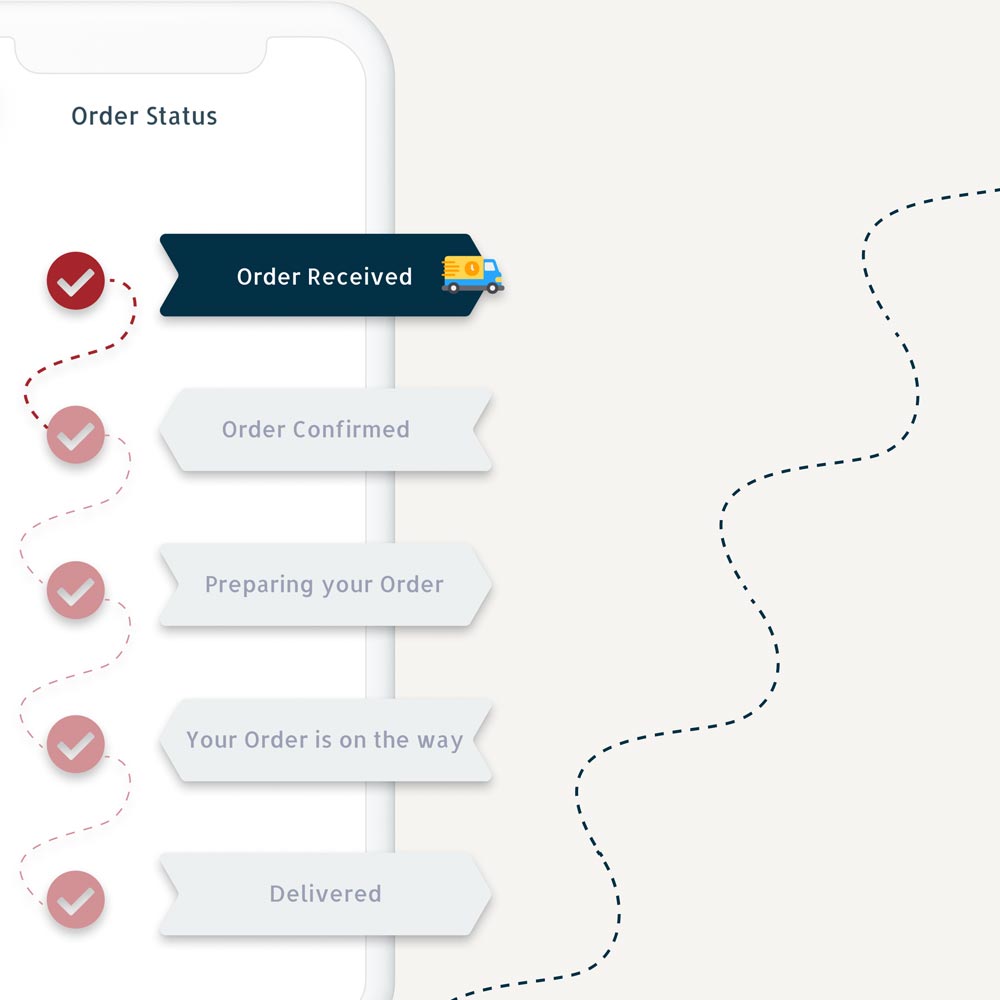
An order tracking feature would be beneficial
Participants found the check out process intuitive
Providing a short description and images of food items is advantageous for user when ordering food
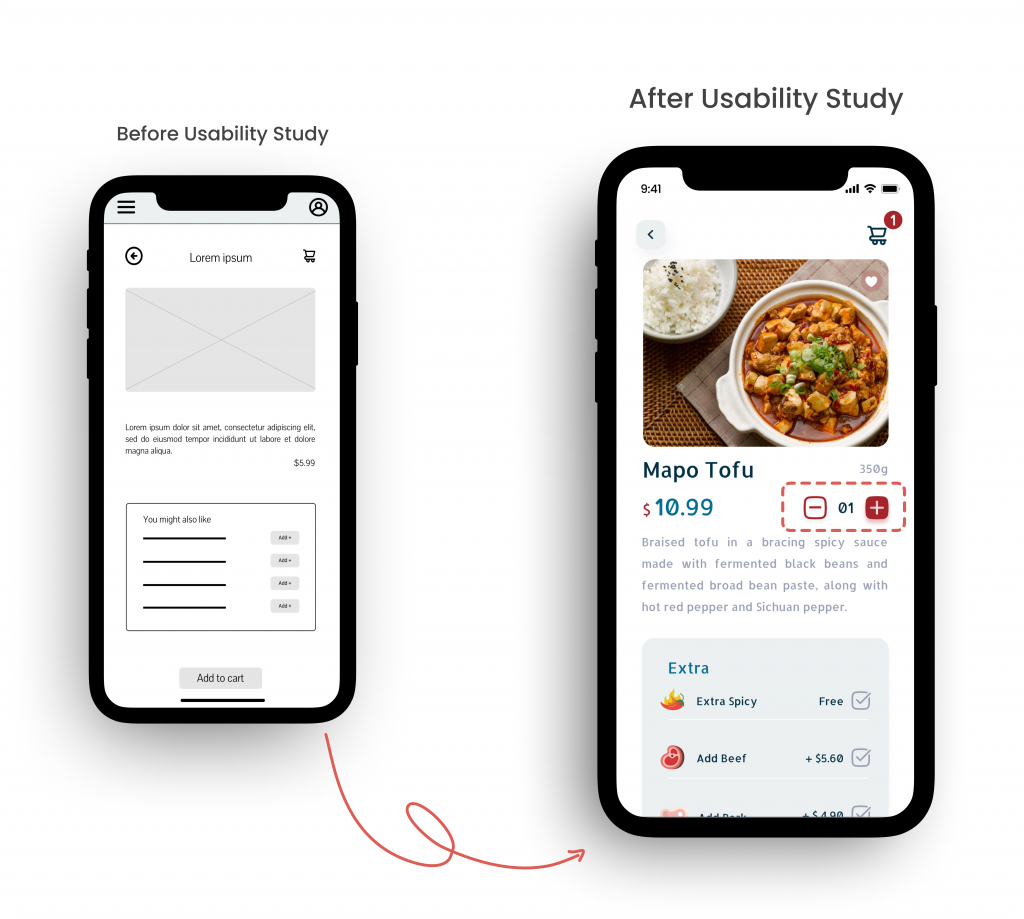
User want an easier why to add to cart multiple items of the same kind
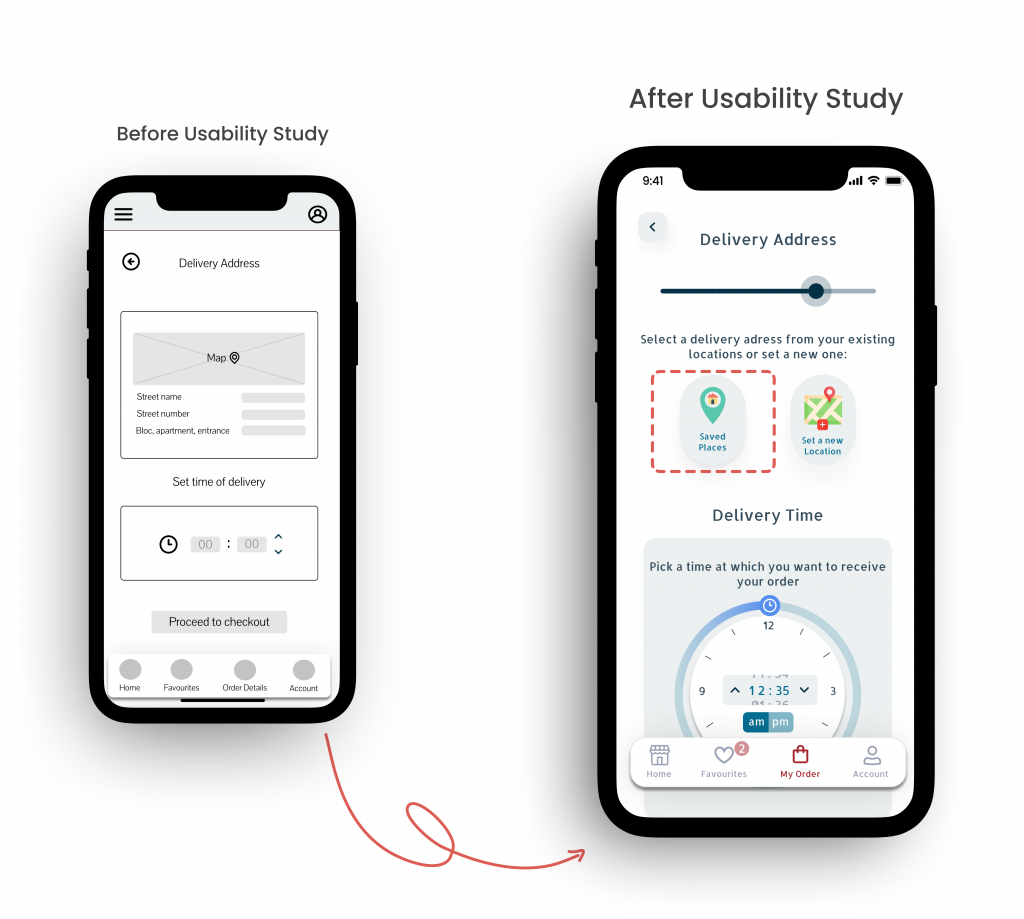
“Its would be great if i could save. a location and then pick it from a list as a delivery address whenever i need it”
Using a map to set the delivery address brings reassurance to users
“Being able to place and order in advance brings me comforts”
What was improved?
1. Adding multiple items to cart
Users want a quick way to add additional items of the same kind to their virtual cart.
2. Saving Locations
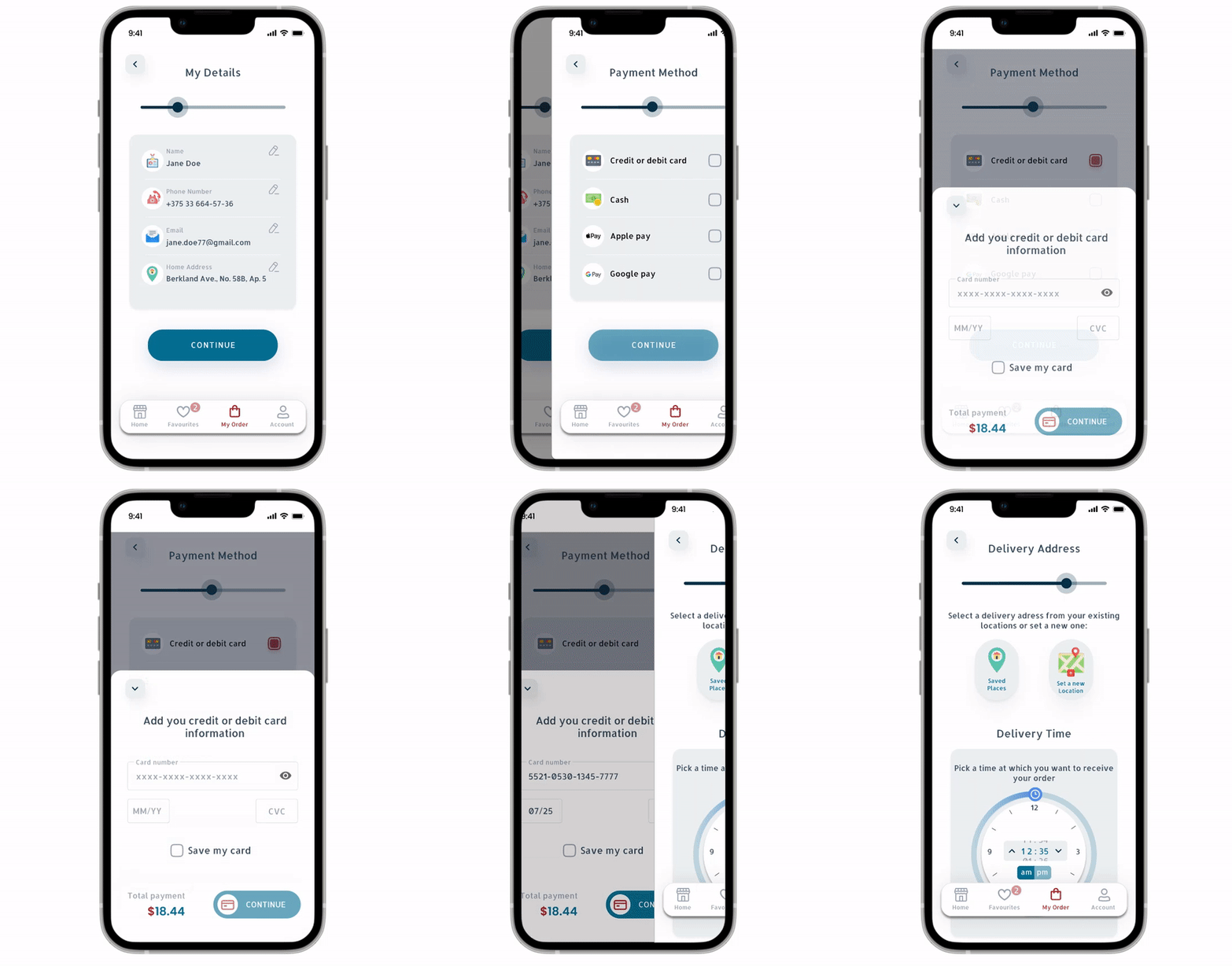
To make the ordering process easier, users can save various locations to their “Saved Places”
list and choose one as their delivery address.
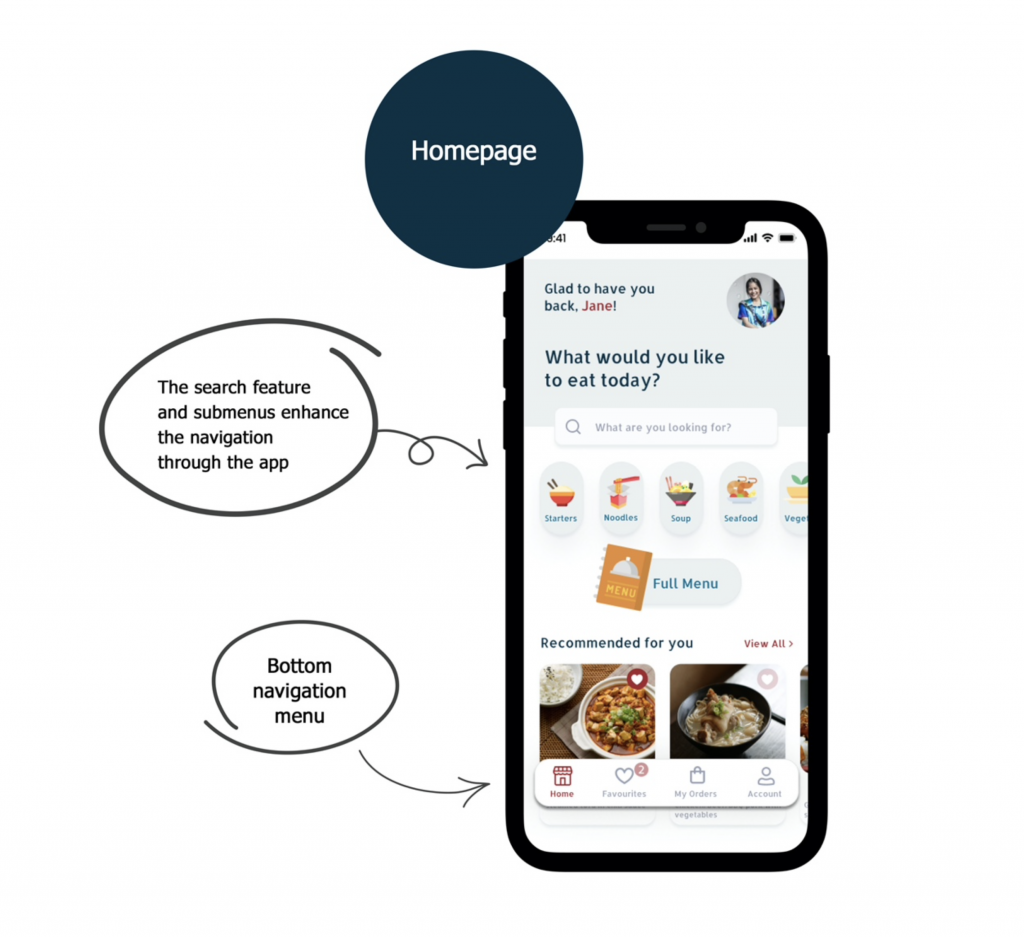
3. Search Feature
I added a search bar to the homepage to enable users to find what they’re looking for faster.
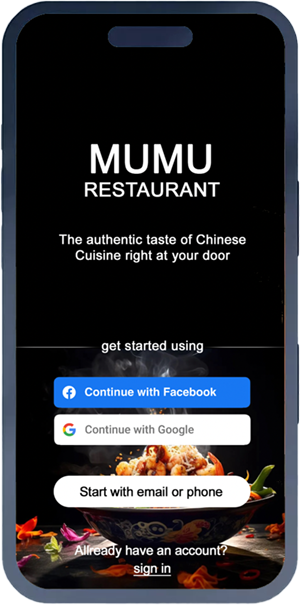
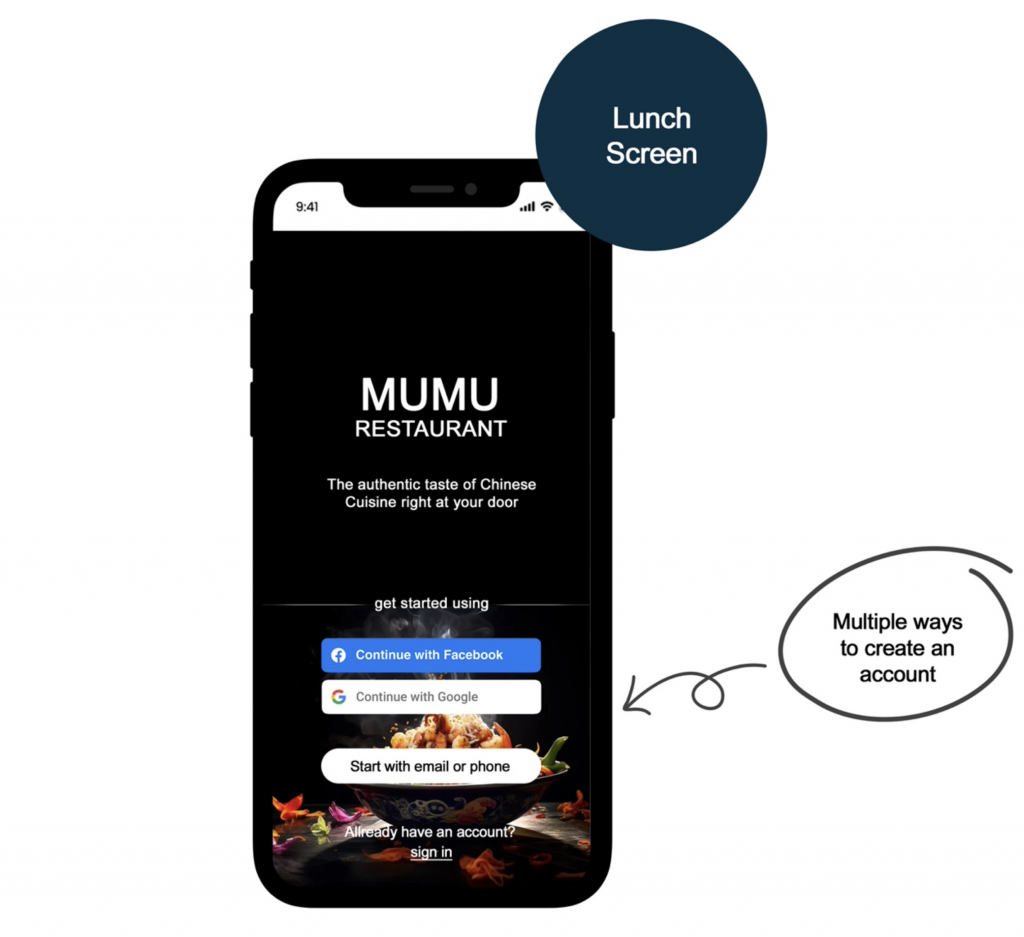
Lunch screen
Easy access login through multi-login options allows the user to log in to the system more easily and quickly
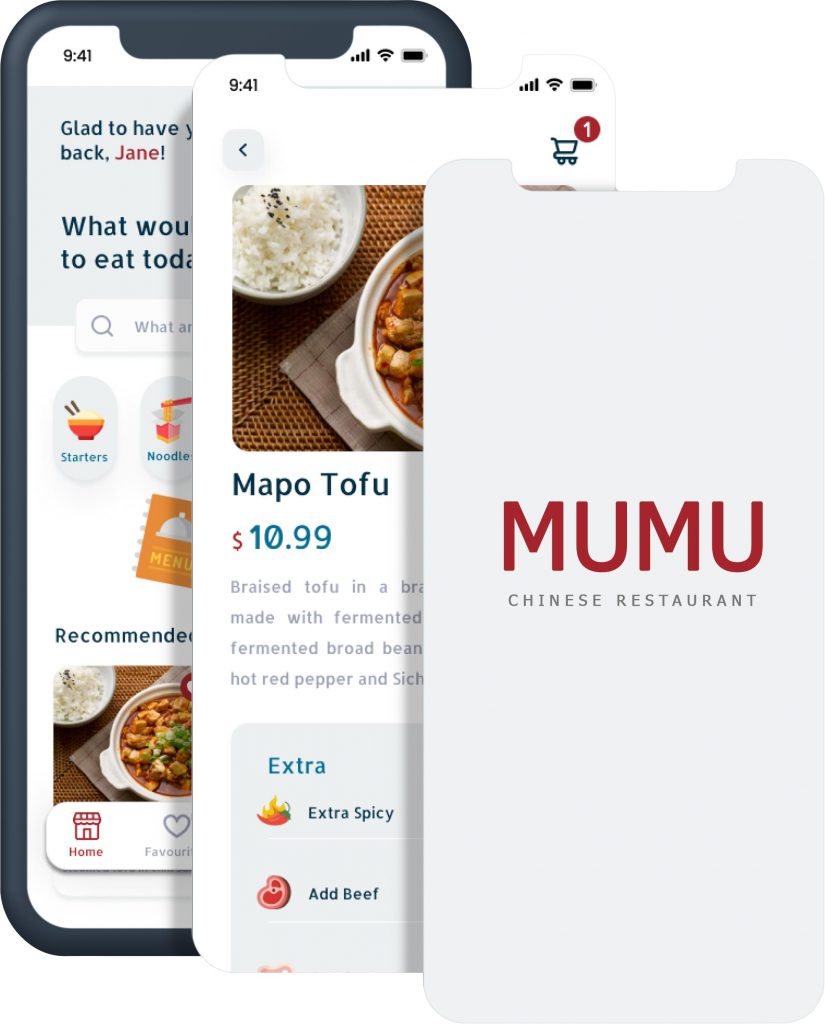
Home page
Home page
A. The search feature and submenu enhance the navigation through the app B. Bottom navigation menu
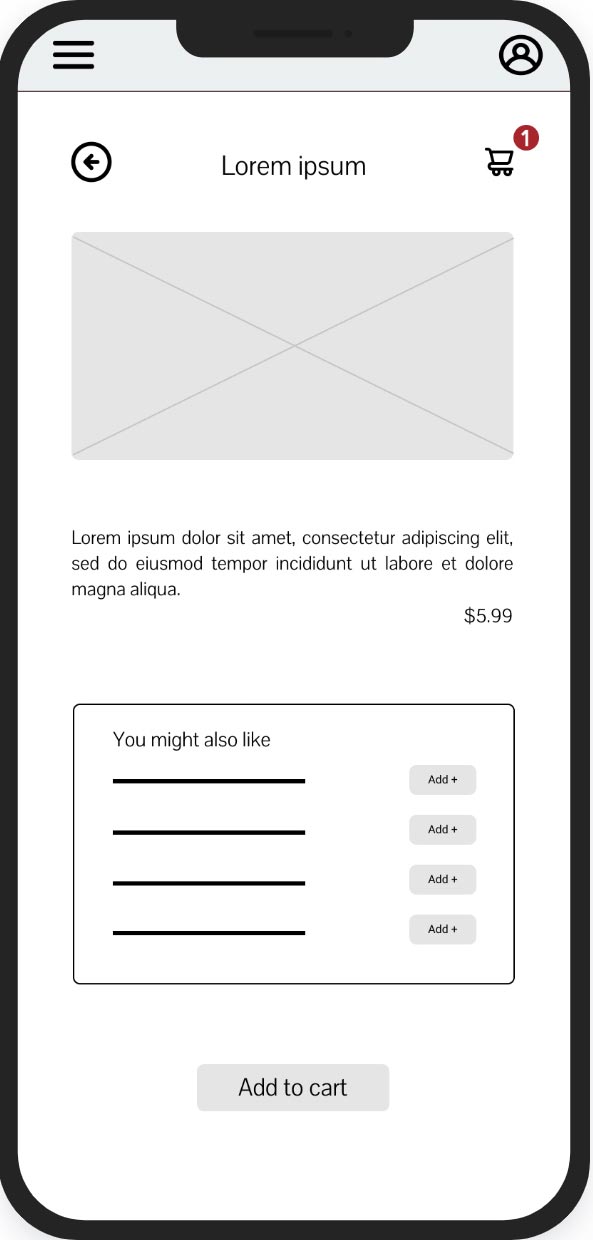
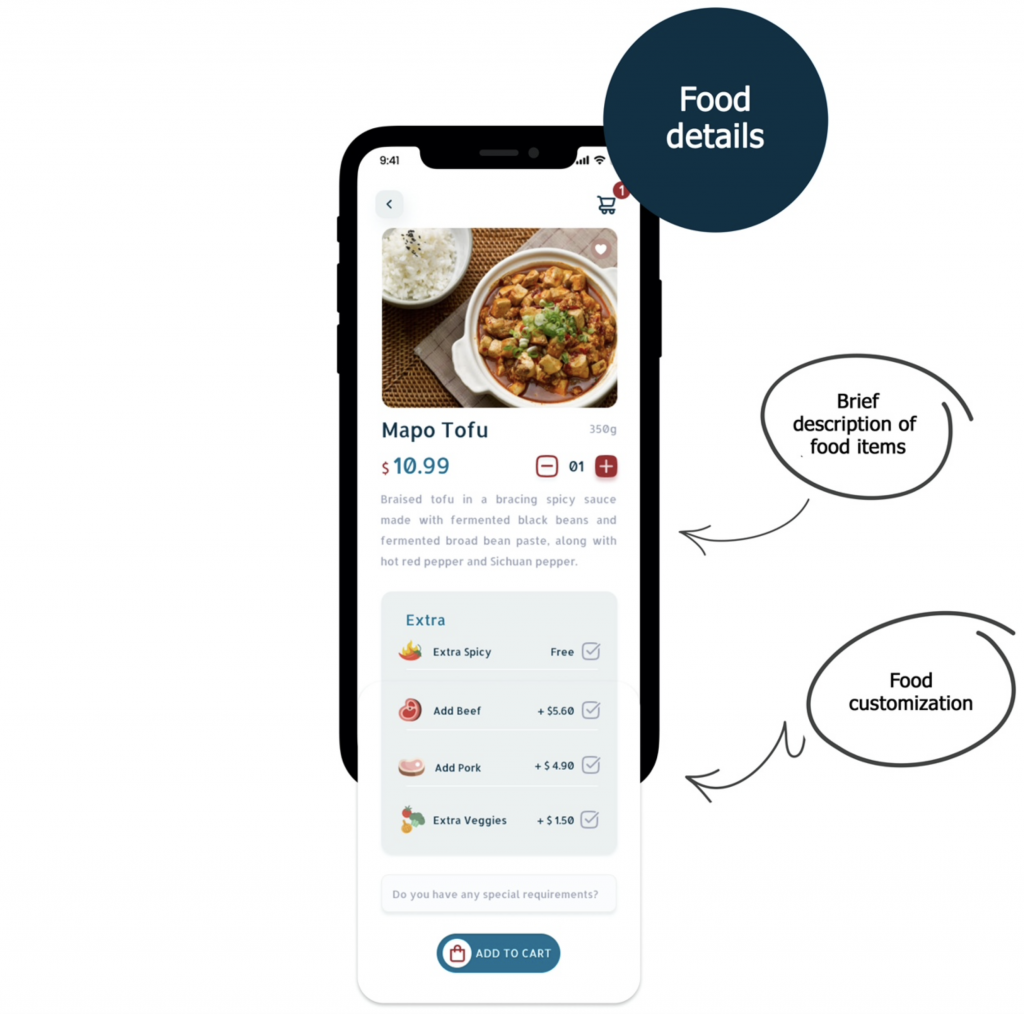
Food details
A. Brief description of food items B. Food customisation
Impact
The app received great feedback and its features were widely embraced by the study participants.
One quote from a study participant:
” This app makes online food deliveries incredibly simple. The fact that I can place orders ahead of time is a game-changer!”
What come next?
Conduct another usability study to ensure that all user pain points have been addressed. Carry out more user research to discover potential growth opportunities.